
The #1 INP Optimization Agency
Expert Interaction to Next Paint (INP) Optimization Services
JavaScript profiling, long task elimination, event handler optimization, third-party script management, and main thread engineering — engineered for sites that need INP under 200ms to pass Core Web Vitals and deliver instant responsiveness.
Interaction to Next Paint (INP) replaced First Input Delay (FID) as a Core Web Vital in March 2024 — and it's significantly harder to pass. INP measures the latency of every interaction on the page (clicks, taps, key presses), not just the first one. Google requires INP under 200ms for a 'good' score, yet 28% of sites fail this threshold in the field. Heavy JavaScript bundles, long tasks blocking the main thread, bloated third-party scripts, and expensive event handlers compound into sluggish, unresponsive pages that frustrate users and tank rankings. Our INP optimization service targets every source of input delay to deliver sub-200ms responsiveness.
Trusted by leading brands
ROI Calculator
How Much Revenue Is Your Slow Site Costing You?
Enter your URL — in 30 seconds, you'll see exactly how much revenue slow speed is costing you.
Enter your website URL
10,000+ sites analyzed · No login required · See your losses in 30 seconds
conversion loss per 1-second delay
of visitors leave after 3 seconds
Think with Google
in annual revenue lost to slow sites
Akamai
of consumers say speed affects purchases
Unbounce
higher bounce rate at 5s vs 1s load
of shoppers won't return to slow sites
Akamai
faster = 1% more conversions
Deloitte
sites analyzed by our tool
PageSpeed Matters
to form a first impression online
Google Research
abandon sites that take 3s+ to load
Portent
conversion loss per 1-second delay
of visitors leave after 3 seconds
Think with Google
in annual revenue lost to slow sites
Akamai
of consumers say speed affects purchases
Unbounce
higher bounce rate at 5s vs 1s load
of shoppers won't return to slow sites
Akamai
faster = 1% more conversions
Deloitte
sites analyzed by our tool
PageSpeed Matters
to form a first impression online
Google Research
abandon sites that take 3s+ to load
Portent
Who This Is For
Is Your INP Failing?
E-Commerce Stores
E-commerce sites with interactive product filtering, search, variant selection, and cart interactions need instant responsiveness to prevent cart abandonment.
SaaS Applications
SaaS products with complex dashboards, data tables, drag-and-drop, and form interactions need sub-200ms response times for professional user experience.
Content-Heavy Sites
Content platforms with interactive features like infinite scroll, comments, reactions, and media controls need smooth interaction handling.
Marketing & Landing Pages
High-converting landing pages with interactive CTAs, forms, and navigation elements need instant feedback to prevent bounce and maximize conversions.
Common INP Problems
What's Making Your Site Sluggish?
Heavy JavaScript Bundles
Large JS bundles (500KB+) block the main thread during parsing and execution, creating 200–2000ms windows where the browser can't respond to user clicks, taps, or key presses. This is the #1 cause of poor INP.
Guide: Core Web VitalsLong Tasks (>50ms)
Any JavaScript task over 50ms blocks the browser's main thread. During a long task, the browser physically cannot process user input — clicks queue up and responses are delayed. Multiple long tasks compound into INP scores of 500ms+.
Guide: Long Task OptimizationThird-Party Script Overload
Analytics (GA4, GTM), chat widgets (Intercom, Drift), ad scripts, A/B testing tools, and social embeds all compete for main thread time. A single chat widget can add 100–300ms of input delay during its initialization.
Guide: Third-Party ScriptsExpensive Event Handlers
Click handlers that trigger complex DOM manipulation, layout recalculation, or synchronous API calls create visible delays between user action and visual response. Common in dropdown menus, accordions, and filter interactions.
Guide: Speed Testing ToolsFramework Rendering Overhead
React re-renders, Vue reactivity chains, and Angular change detection can cause cascading component updates on user interaction — each triggering layout, paint, and composite operations that delay visual feedback.
Guide: Platform Speed ComparisonLayout Thrashing & Forced Reflows
Reading layout properties (offsetHeight, getBoundingClientRect) after DOM writes forces the browser to synchronously recalculate layout — creating 50–500ms delays that directly increase INP on interactive elements.
Guide: Layout PerformanceOur Solutions
How We Fix Your INP
JavaScript Bundle Analysis & Splitting
We profile every JavaScript bundle for execution time, parse cost, and main thread impact. We implement code splitting, tree shaking, and dynamic imports to ensure only the code needed for the current interaction is loaded and executed.
Long Task Breakup & Yielding
We identify every long task (>50ms) using Chrome DevTools and real-user monitoring, then break them into smaller chunks using scheduler.yield(), requestIdleCallback, and setTimeout patterns — keeping the main thread responsive between user inputs.
Third-Party Script Isolation
We profile every third-party script for main thread impact, implement web worker offloading for analytics, defer non-critical scripts until after interaction, and replace bloated widgets with lightweight alternatives — all without losing functionality.
Event Handler Engineering
We optimize click handlers, scroll listeners, and input handlers by debouncing expensive operations, using requestAnimationFrame for visual updates, implementing virtual scrolling for large lists, and moving computation off the main thread.
Framework-Level Optimization
We optimize React with useMemo/useCallback/React.memo, implement virtualization for large lists, reduce unnecessary re-renders, and use startTransition for non-urgent updates — ensuring framework overhead doesn't block user interactions.
Input Delay Prevention System
We implement a comprehensive input delay prevention strategy: preloading interaction-critical code, warming up event handlers, pre-computing expensive values, and establishing a performance budget that prevents future INP regressions.
The Data
Why INP Matters
INP is the hardest Core Web Vital to pass — and the newest ranking factor.
Proof
Our INP Results
Real sites, real INP improvements, real responsiveness gains.

Pure Parima
Improved mobile PageSpeed from 29 to 87, with INP dropping from 580ms to 120ms on product pages.
View Case Study
Therapevo
PageSpeed score from 32 to 96 with INP optimized from 450ms to 90ms across all page templates.
View Case Study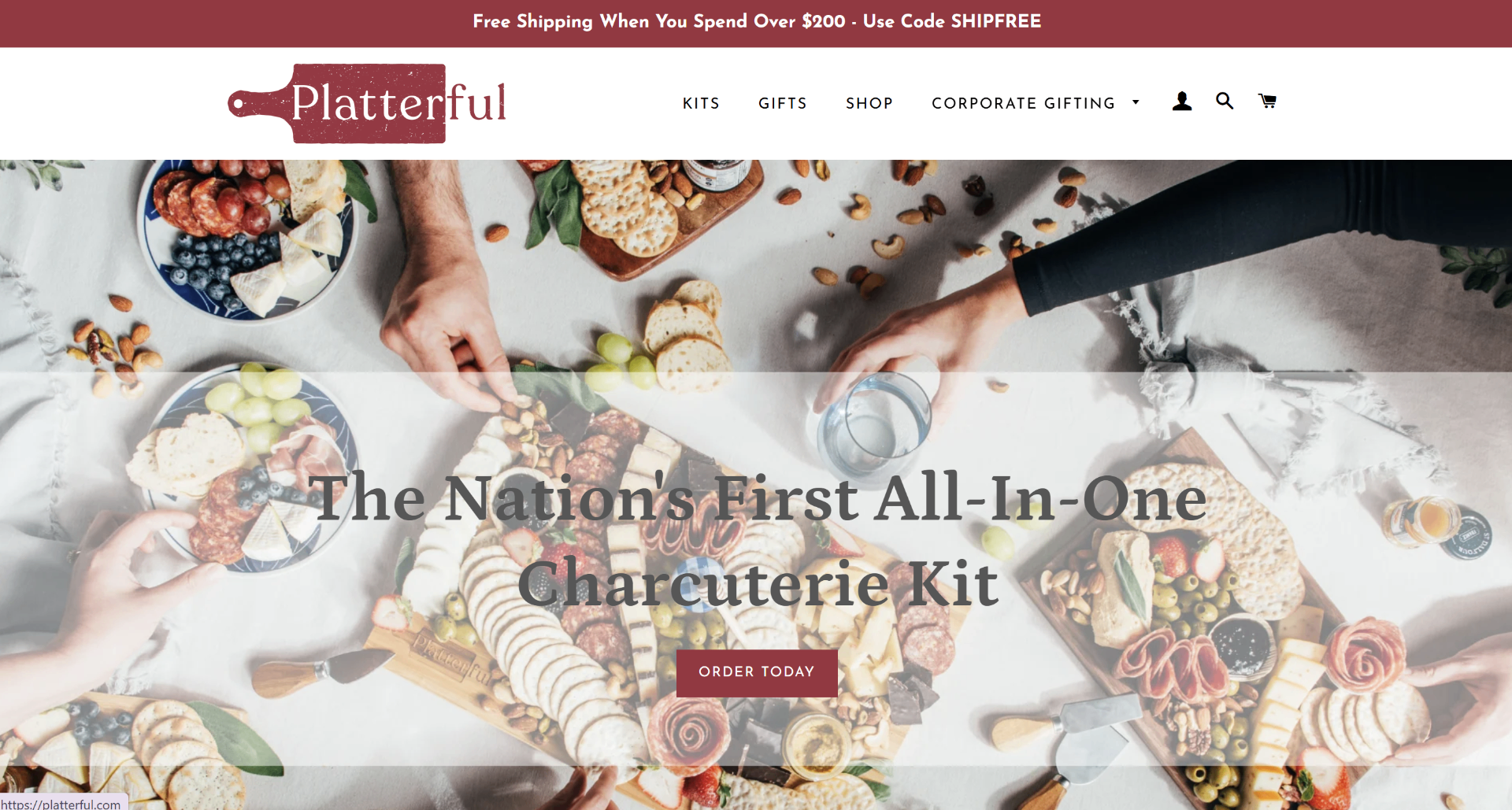
Platterful
80% speed improvement with interaction responsiveness under 150ms on collection pages.
View Case StudyOur Process
How It Works
INP Profiling & Interaction Audit
We identify every interaction on your site (clicks, taps, keyboard inputs) and measure their INP using Chrome DevTools Performance panel and real-user monitoring. You receive a ranked list of the slowest interactions with exact root causes.
Main Thread Analysis & Long Task Mapping
We profile JavaScript execution, map every long task (>50ms) to its source (your code vs third-party), measure main thread busy time, and identify the specific code paths that block user input. You receive a detailed main thread utilization report.
Optimization Sprint
1–2 WeeksOver 1–2 weeks, we implement all fixes: JavaScript bundle splitting, long task breakup, third-party script isolation, event handler optimization, and framework-level improvements. Your live site is never at risk — all changes are staged first.
Field Data Verification
2–4 WeeksWe monitor real-user INP data via CrUX over 2–4 weeks, testing every interaction type across devices and networks, making iterative adjustments until INP consistently passes Google's 200ms threshold in the 28-day rolling window.
Deployment & Documentation
Once validated in the field, all changes go live. You receive complete documentation including before/after interaction timelines, a JavaScript performance budget for future development, and a monitoring dashboard setup.
Deliverables
What You'll Receive
Every INP engagement includes comprehensive documentation and reporting.
Before/After Speed Report
PageSpeed and Core Web Vitals scores before and after optimization, with interaction timeline comparisons for every key page template.
INP Interaction Audit
Every user interaction ranked by input delay — showing exactly which clicks, taps, and key presses are slowest and why.
Main Thread Analysis Report
Detailed breakdown of main thread utilization showing long tasks, JavaScript execution time, and idle periods between interactions.
Third-Party Script Impact Report
Every third-party script ranked by main thread impact, input delay contribution, and execution time with specific defer/replace recommendations.
JavaScript Bundle Analysis
Bundle size, parse time, and execution cost for every JavaScript file with tree-shaking and code-splitting recommendations.
Competitor Speed Benchmark
How your site's INP stacks up against 3–5 direct competitors with specific gap analysis on interaction responsiveness.
Core Web Vitals Forecast
Projecting when INP will move into the 'Green' zone in Google's 28-day CrUX rolling window.
Revenue Impact Projection
Custom report mapping your INP improvements to projected revenue gains using your actual traffic and conversion data.
Google Ads / CPC Savings Report
Analysis of how improved INP lowers your landing page experience penalty and reduces cost-per-click for paid campaigns.
30-Day Post-Launch Monitoring
30 days of INP monitoring after deployment to ensure gains hold after code deployments, plugin updates, or platform changes.
Event Handler Optimization Report
Analysis of every event handler's execution time with before/after profiling data and optimization results.
Speed Budget Document
A living document setting INP budgets for future development — max JS execution time, long task limits, and third-party script rules.
Executive Summary (1-Pager)
A non-technical summary for stakeholders showing what was done, what improved, and what it means in dollars.
Pricing
Estimate Your Investment
Answer a few quick questions about your site to get an instant ballpark. Final pricing is confirmed after an audit.
How much traffic does your site get?
How much custom code does your site have?
How many third-party tools are running?
Do you need Core Web Vitals optimization?
How many posts/pages and products does your site have?
Estimated Investment
$1,500 – $2,500
One-time optimization fee
Typical Timeline
5–7 days
Why this range
simple setup
Final quote + plan confirmed after audit
What We Optimize
INP Optimization Expertise
Click & Tap Optimization
Optimize button clicks, link taps, and CTA interactions for instant visual feedback under 200ms.
Main Thread Management
Profile and optimize main thread utilization to keep idle time available for user input processing.
JavaScript Execution Tuning
Reduce JavaScript parse, compile, and execution time through bundle splitting, tree shaking, and lazy loading.
Third-Party Script Control
Isolate, defer, and optimize third-party scripts that compete with user interactions for main thread time.
Framework Rendering
Optimize React, Vue, and Angular rendering pipelines to minimize re-render overhead during user interactions.
Form & Input Optimization
Optimize form validation, search inputs, and text fields for instant character-by-character responsiveness.
Deep Dives
INP Optimization Guides
Go deeper with our free expert guides on Interaction to Next Paint optimization.
FAQ
Frequently Asked Questions
Ready to Fix Your INP?
Request an audit and see exactly what's blocking your user interactions — and how we'll make them instant.
Request An Audit